Hotwire Flow

A React Flow recreation using Hotwire (Stimulus + Tailwind CSS).
Build node-based editors, workflow builders, and DAGs with pure HTML.

18 Stimulus Controllers 200 Tests Passing 95% React Flow Parity
Showcase
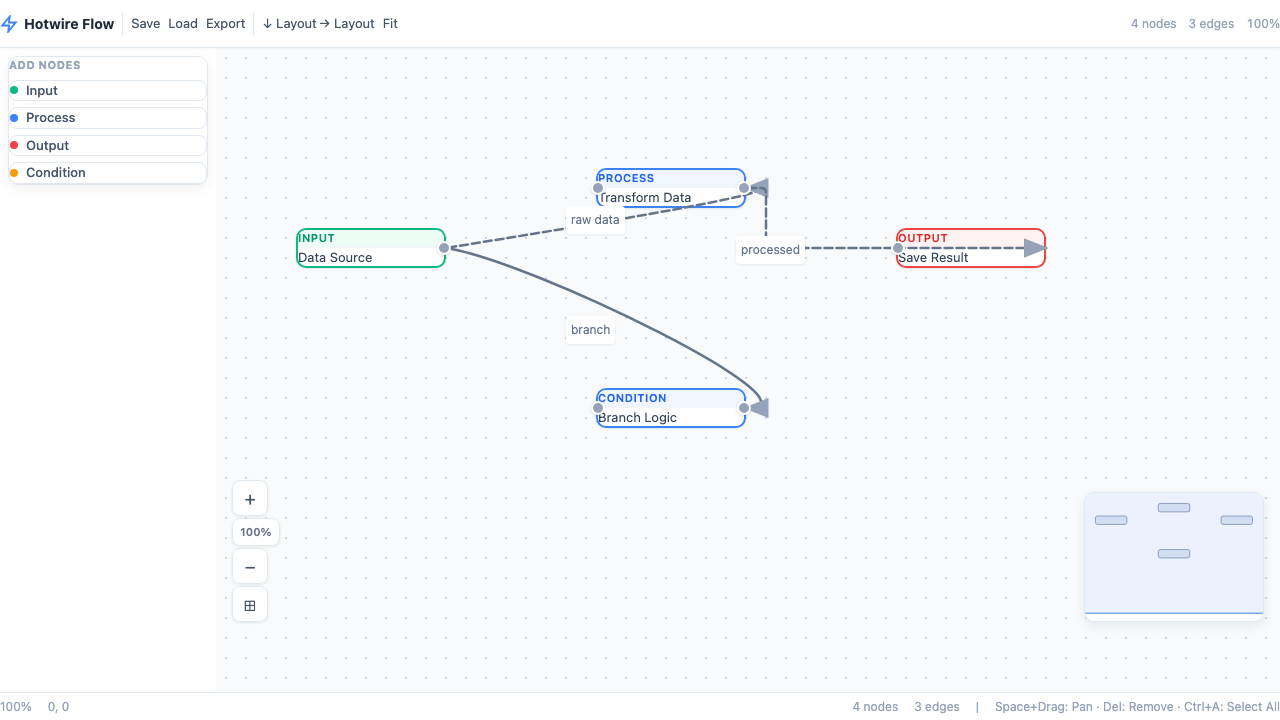
Full Demo
Full Workflow Editor Showcase
Complete editor with toolbar bar, node sidebar palette, minimap, status bar, context menu, animated edges with labels and arrow markers.
Open example →
Interactive
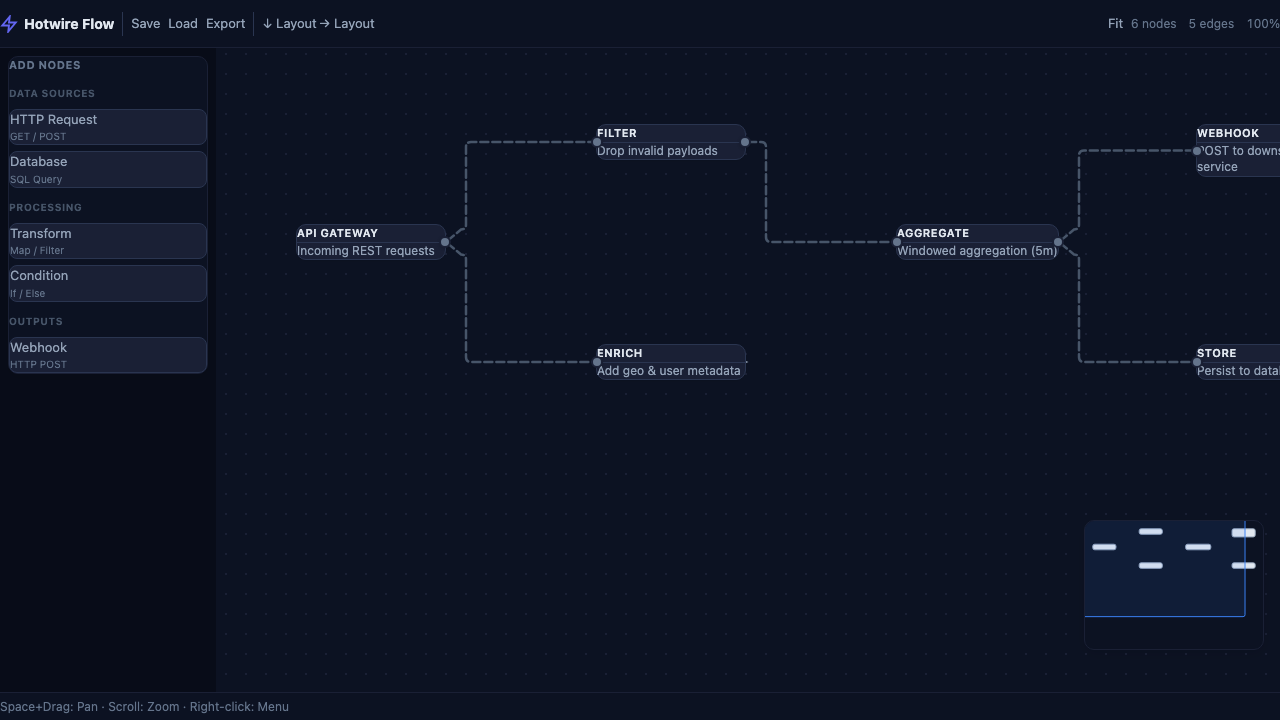
Interactive Playground Showcase
All features: dark theme, DnD sidebar with categories (Data Sources / Processing / Outputs), minimap, status bar with keyboard shortcuts.
Open example →
DAG Pipeline
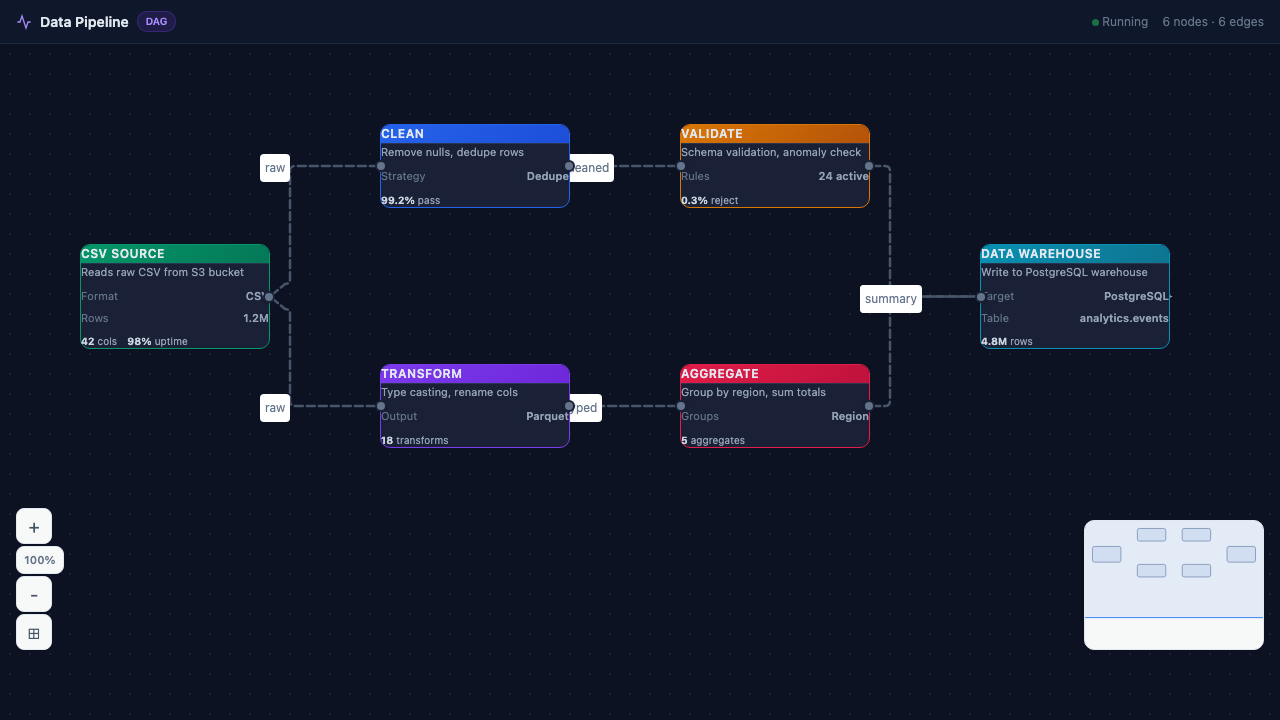
Data Pipeline DAG Advanced
6-node ETL pipeline: CSV Source → Clean Data → Transform → Validate → Aggregate → Database Sink. Animated smoothstep edges with labels.
Open example →
B2B / Industrial
Org Chart
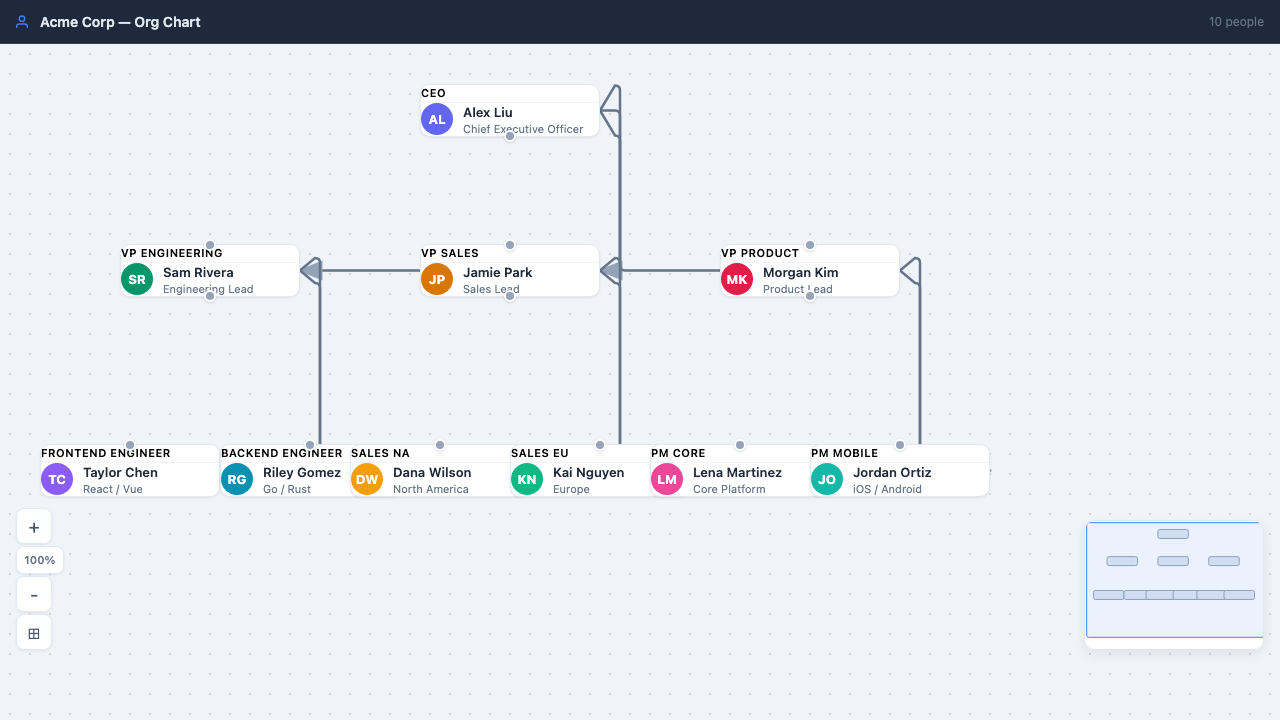
Company Org Chart B2B
Hierarchical org chart: CEO → VP Engineering, VP Sales, VP Product → Directors/PMs. Employee avatars, department colors, 10 people.
Open example →
Warehouse
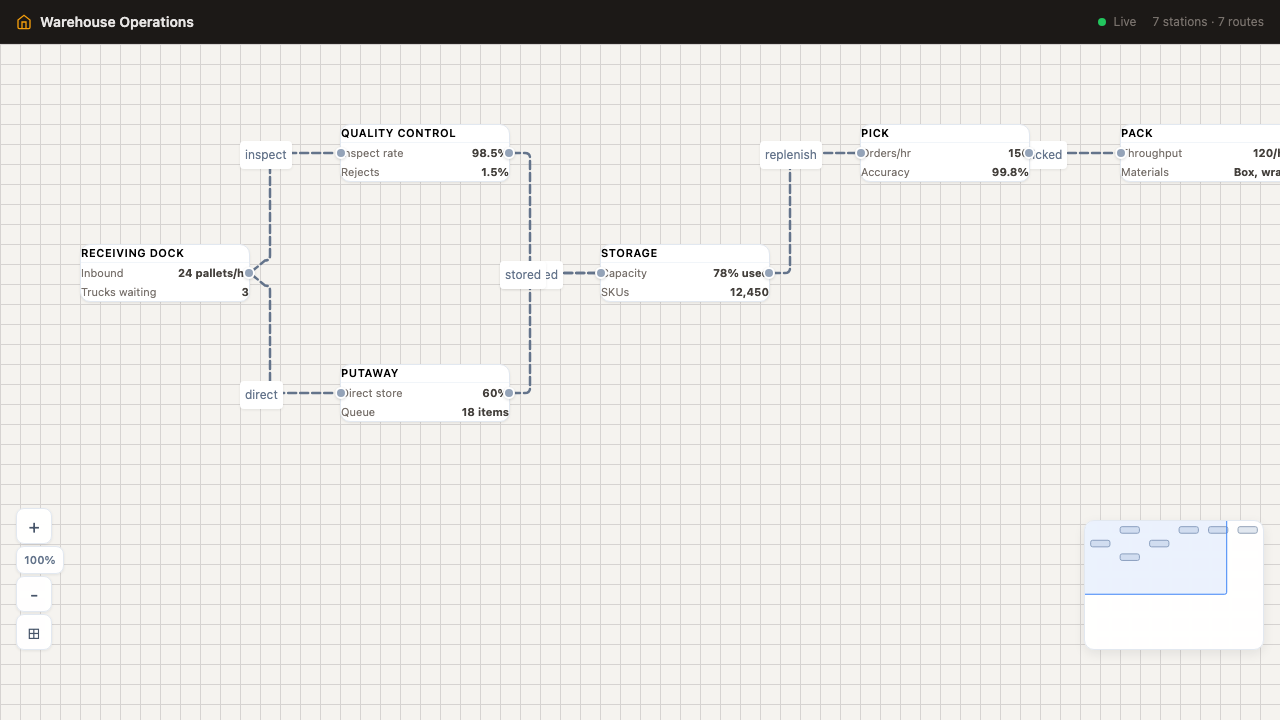
Warehouse Operations B2B
7-station warehouse flow: Receiving → QC → Putaway → Storage Zones → Pick & Pack → Shipping. Real-time metrics per station.
Open example →
B2B Order
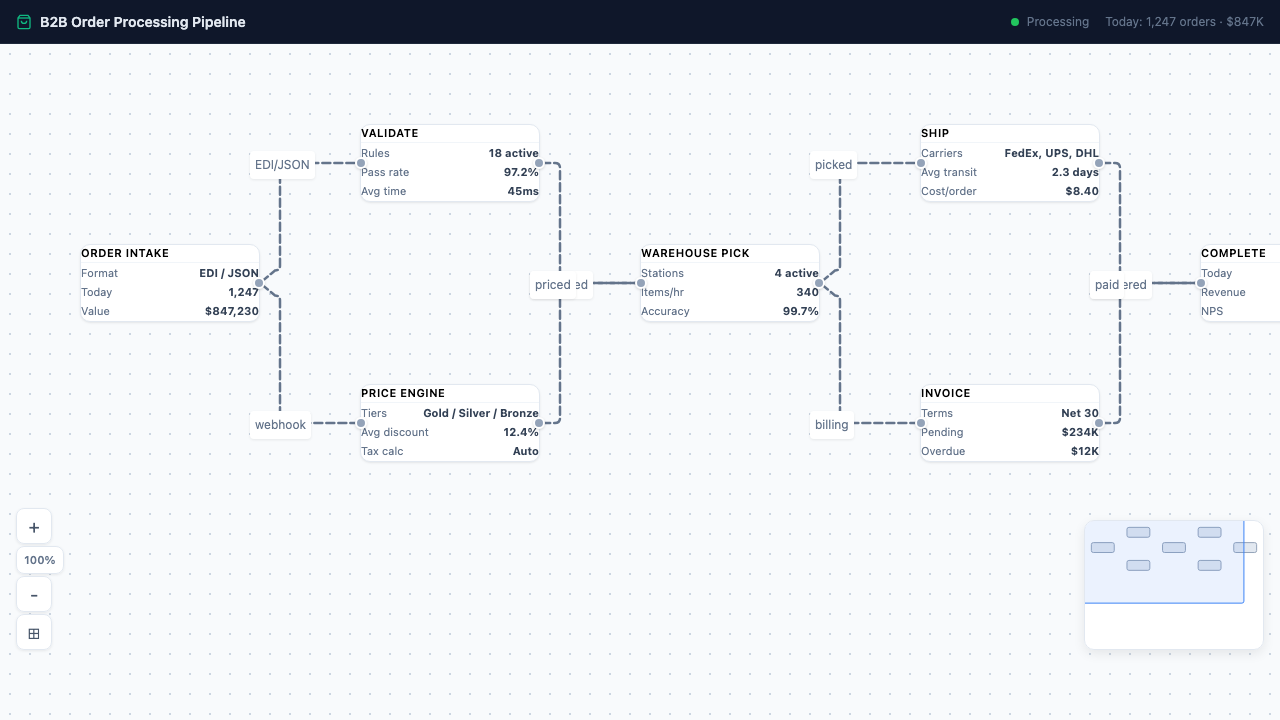
B2B Order Processing B2B
Enterprise order pipeline: EDI/API Intake → Validate → Price → Warehouse Pick → Ship & Invoice → Complete. 8 edges with labels.
Open example →
Core Features
Custom Nodes
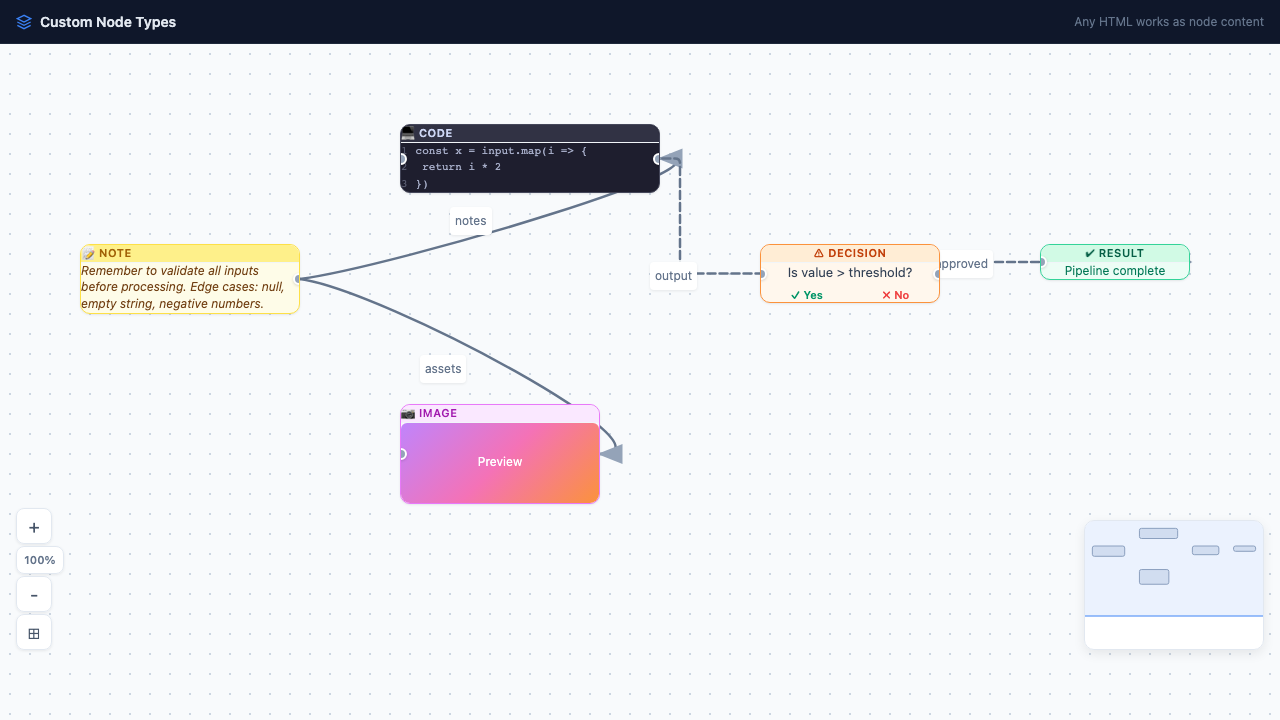
Custom Node Types Core
5 custom styled nodes: Note (yellow), Code (dark monospace), Image (gradient placeholder), Decision (yes/no branches), Result.
Open example →
Save/Load
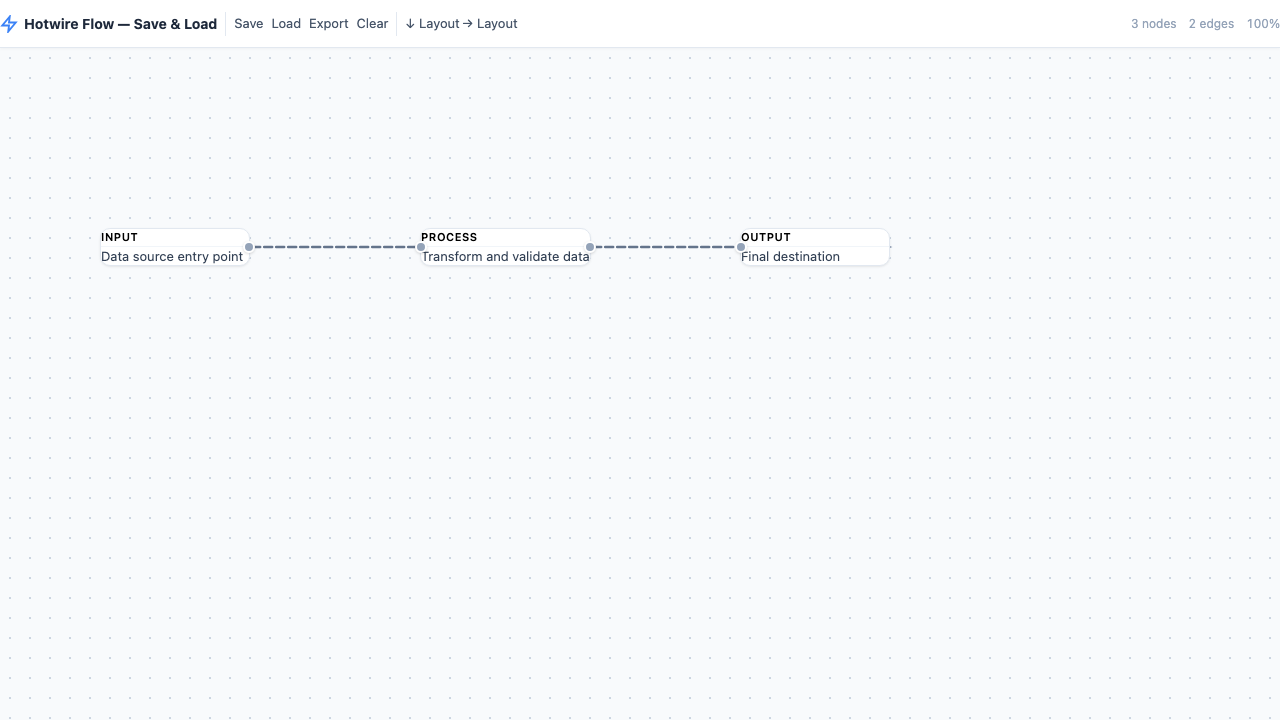
Save & Load Core
Persist flow state to localStorage. Save, load, export JSON. Toolbar bar with toObject/fromObject API integration.
Open example →
Minimap
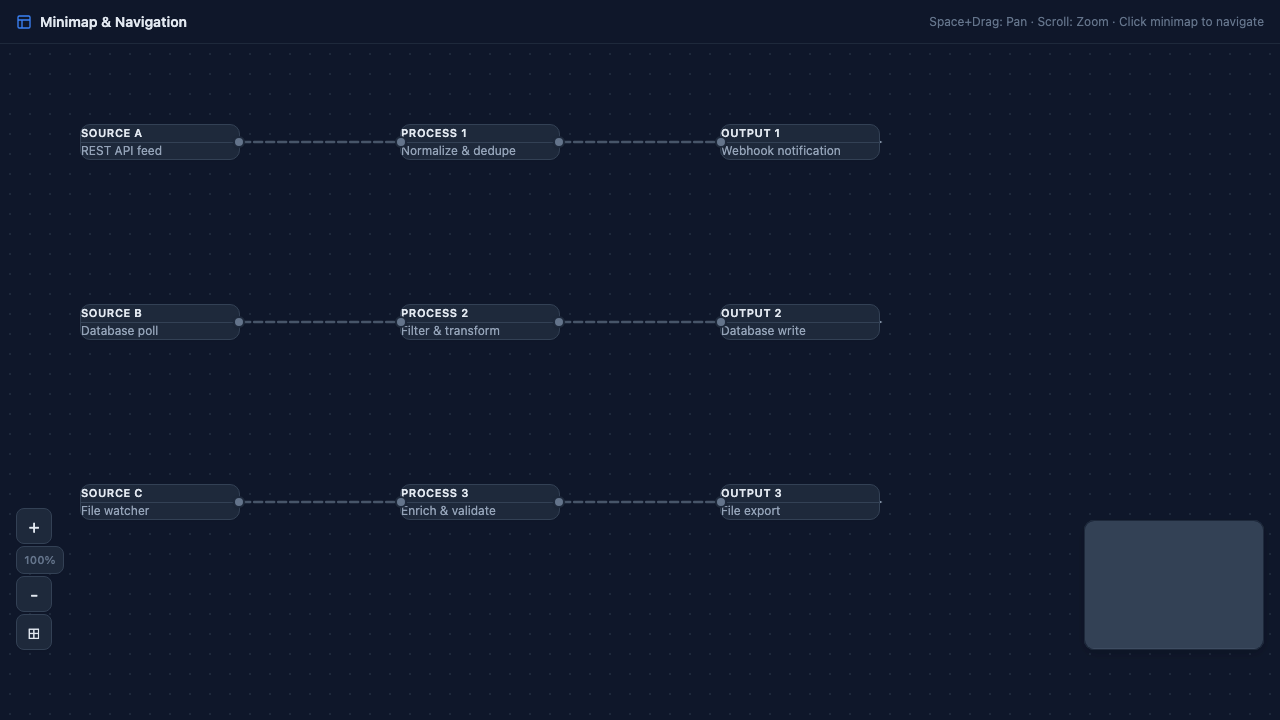
Minimap Navigation Core
9 nodes across a large canvas with dark theme. Minimap shows full overview, click to navigate. Zoom + fit controls.
Open example →
Node Resizer
Node Resizer Advanced
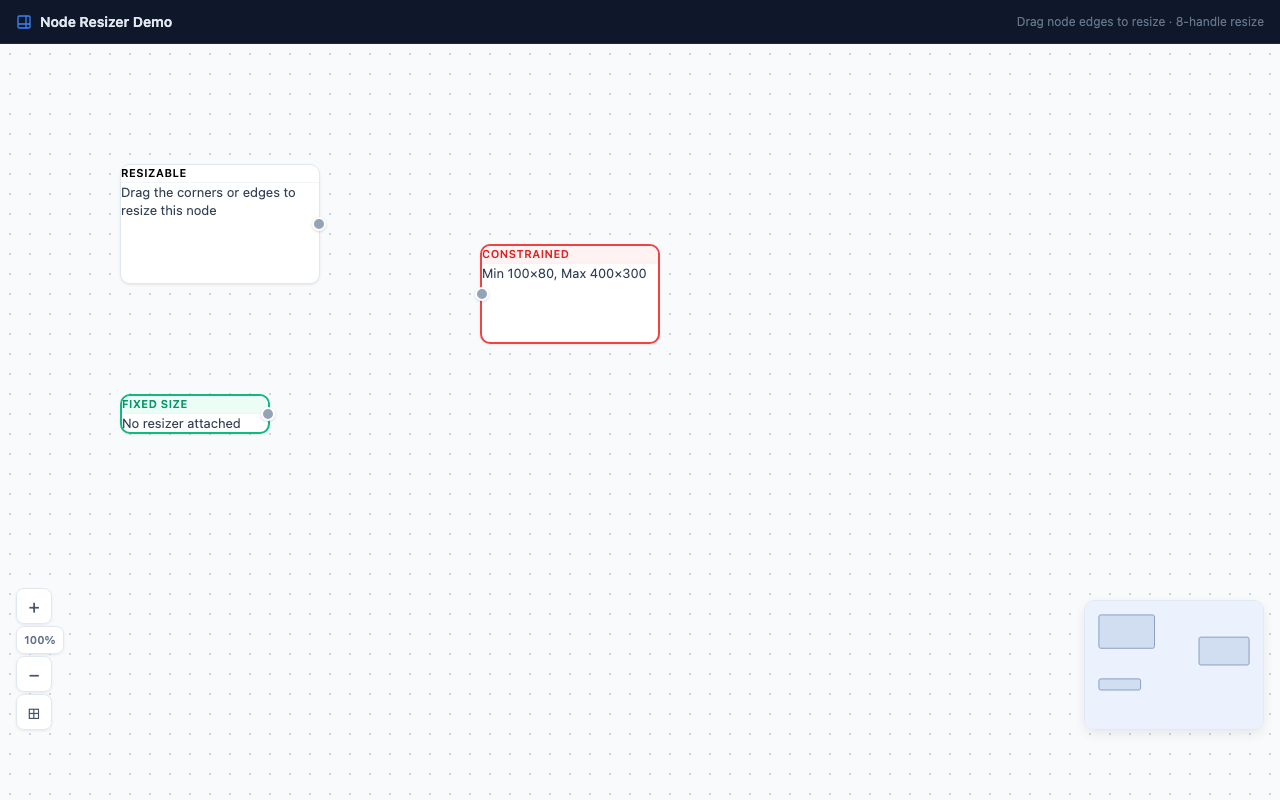
Drag node corners and edges to resize. 8 resize handles (se, sw, ne, nw, n, s, e, w). Supports min/max width/height constraints.
Open example →
Node Toolbar
Node Toolbar Advanced
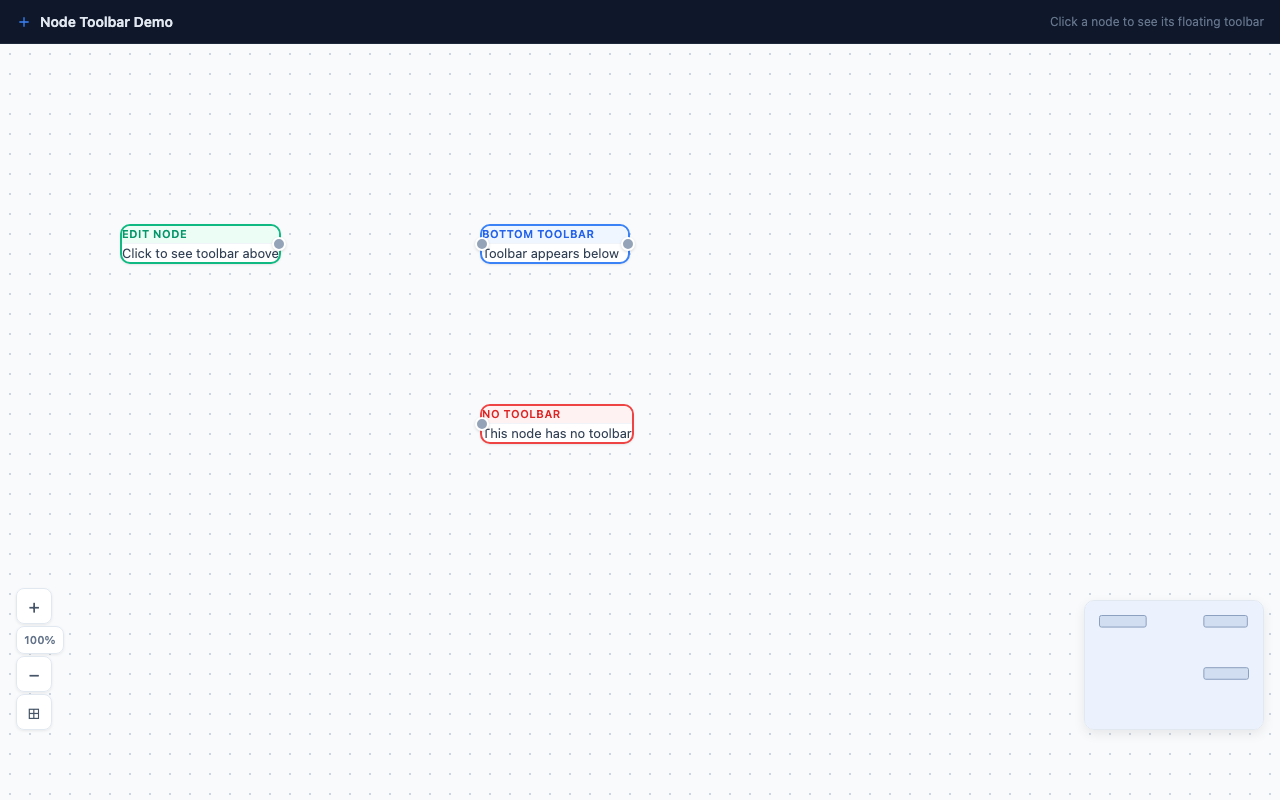
Floating toolbar appears when node is selected. Position on top or bottom with custom offset. Action buttons for edit, copy, delete.
Open example →
Auto Layout
Auto Layout Advanced
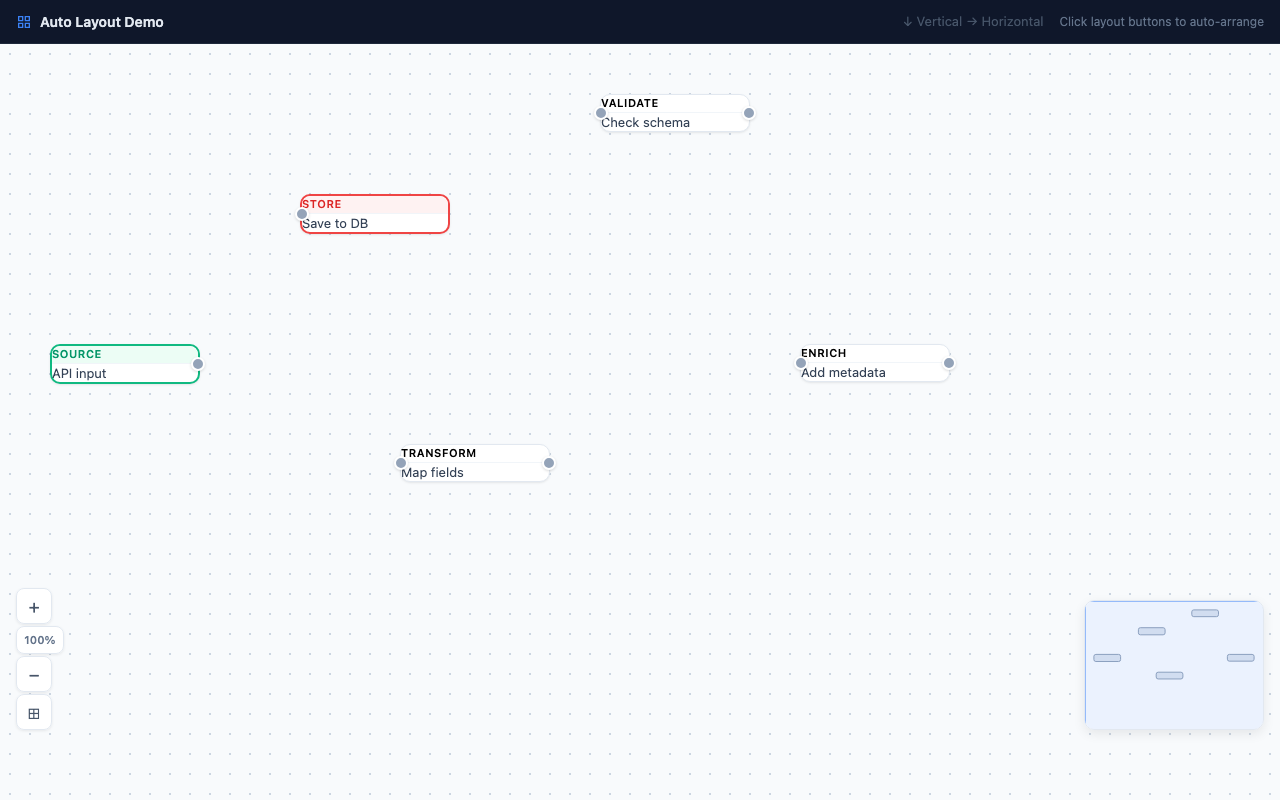
Automatically arrange nodes in hierarchical layouts. Vertical (top-bottom) or horizontal (left-right). DAG-based positioning with smooth animation.
Open example →
Minimal
Minimal Example Quick Start
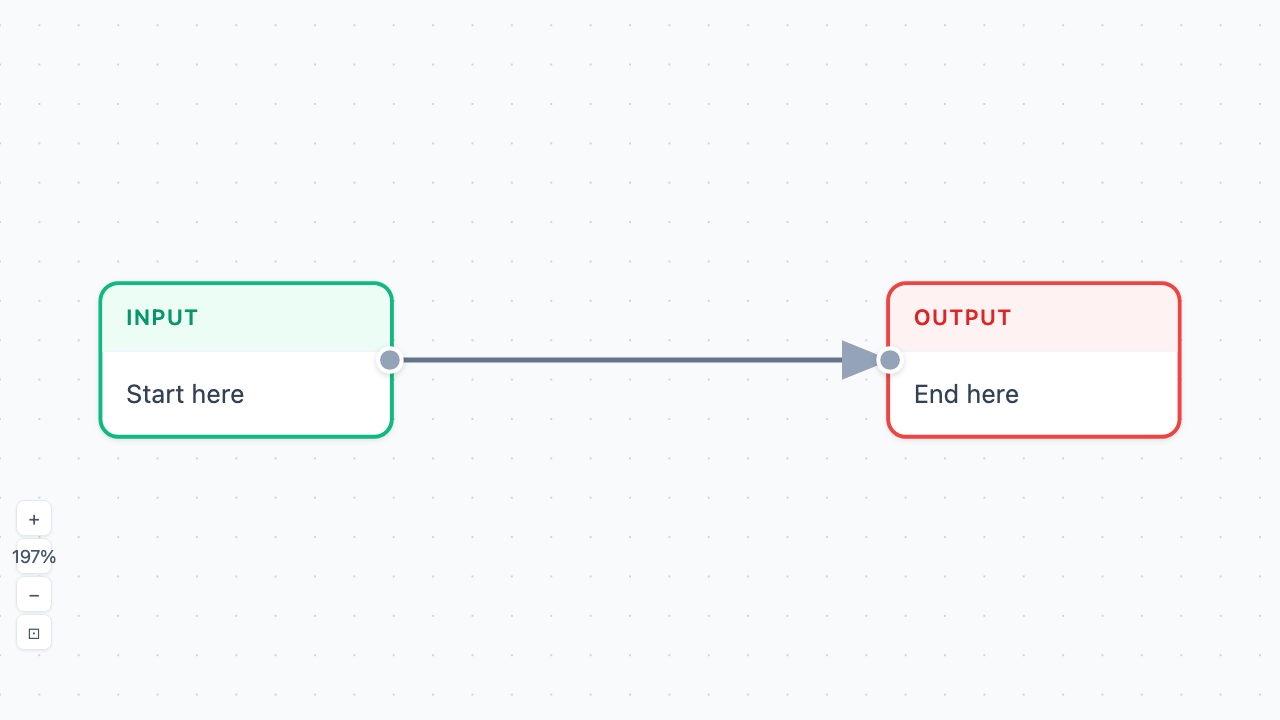
2 nodes connected by an edge. The simplest possible setup — just HTML, CSS, and Stimulus. Pan, zoom, select.
Open example →